Regardless of R–and in the context of an HPC cluster–we have various ways of parallelizing jobs:
At the core level, using SIMD instructions.
At the CPU level using multiple cores within a program (e.g., loop-level).
Same, but replicating the job within a node.
At the node level, replicating the job across nodes.
Task 1: Alternatives to job arrays
Besides job arrays in Slurm, look for an alternative way of replicating jobs across multiple nodes (hint: There’s a type of parallel::cluster object we haven’t discussed.) There are at least two.
Task 2: Your expert opinion
Your expert opinion has been requested. For each way to parallelize a job, provide: (i) a one-paragraph description, (ii) proposed criteria of when to use it, and (iii) an example of an analysis that could be done with it.
Draw pretty networks with Slurm
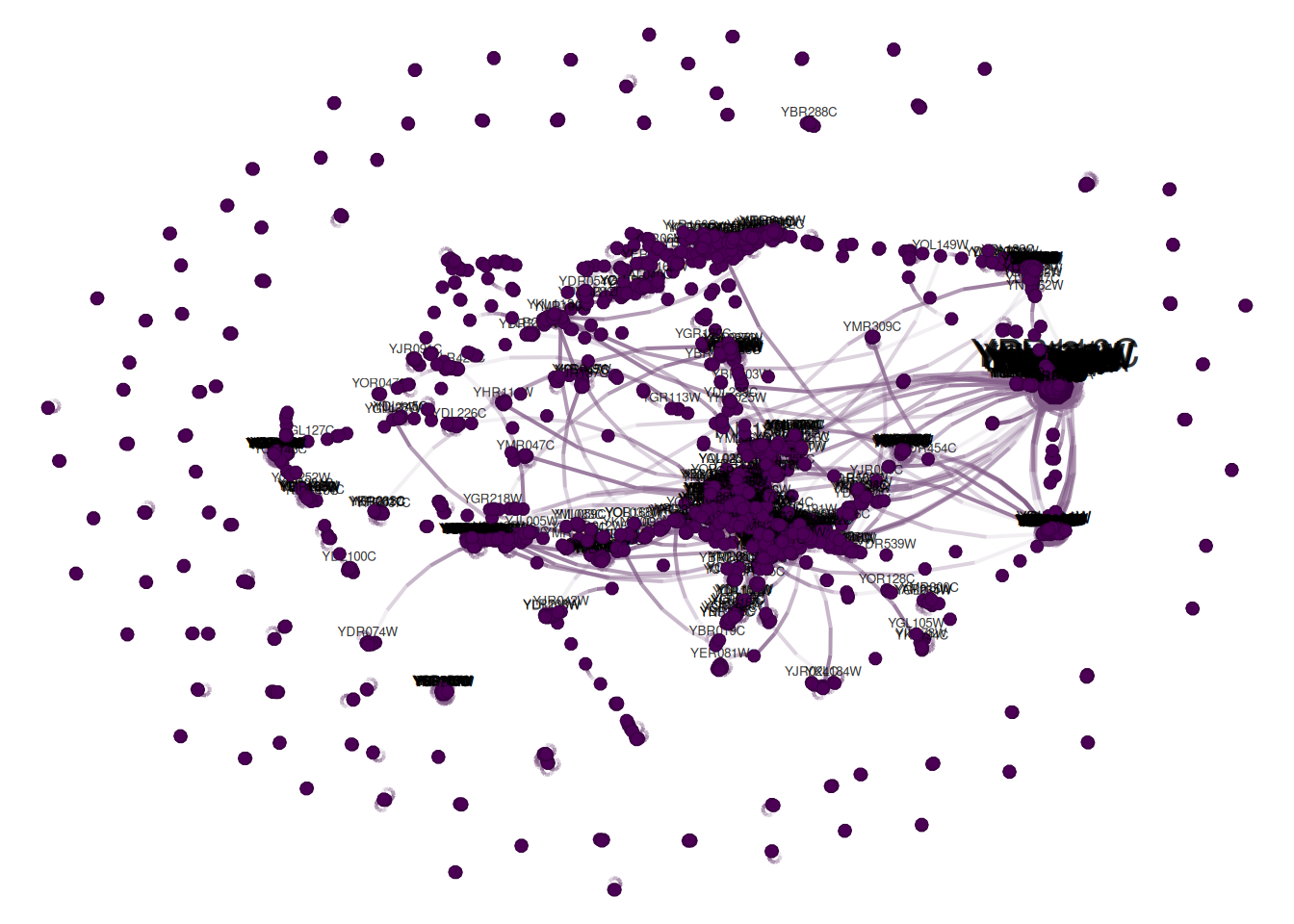
Draw a pretty picture of the yeast network using the development version of netplot:
library(netplot)library(igraph)library(igraphdata)data(yeast)set.seed(889)# Netplot objects are grobs (like ggplot2)np <-nplot( yeast,# Too many vertices, so just a samplesample.edges = .1 )# So we need to print themprint(np)
Read the manual of nplot and try:
Coloring the vertices by the class Class attribute. You can access them using V(yeast)$Class.
Playing with the layout, see igraph’s ?layout_.
Tryout grid::patterns for the vertices, see what you can do.
Create a design
Task 1: Get the package
Install the package using git clone + R CMD INSTALL in the command line.
Task 2: First run
Try drawing one network with it. Use CHPC’s ondemand.
Task 3: Submit to CHPC
Write an R and Slurm script to submit the job to CHPC. The job should result in saving the netplot object to an RDS file and a png figure of 1024 x 780 px resolution.